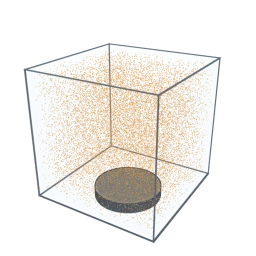
Tap “Start camera” and each splat takes the color of its place in the picture, so the mirror shows you, live.
- Shelf
- Studio
- Kind
- Built from a recipe
- Your own
- Your camera
- Sound
- Yes
- Licenses
- CC0, MIT, Apache-2.0
How to play
Tap “Start camera” to see yourself in splats; turn it to see the depth. More in the Splash tab.
Its controls
| Control | Kind | Range | Start |
|---|---|---|---|
| Flatten or raise the depth | Tap | ||
| Flatten the picture | Switch | Off | |
| Splat colors | List | 2 choices | One per splat |
| Depth | Setting | ||
| Look | List | 2 choices | Plain |
About it
A mirror made of splats. Tap “Start camera” and each splat takes the color of its place in the picture, so the mirror shows you, live.
A depth model, Depth Anything V2 Small, then works out how near each part of the picture is, as often as your device can (several times a second on a computer), and each splat moves toward you by that much: your nose comes forward and the wall behind you stays back. Turn the picture to see the relief. Tap to flatten it or raise it again. It is a guess from one camera, so the depth is relative, like a sculptor's relief, not exact distances. On a phone you can switch to the back camera. Record a video keeps what the mirror shows in this page's memory until you save it. Look: Hologram turns it cyan: you stay clear, while scanlines run across the room behind you and a soft glow rims your outline. The model (about 27 MB) loads only after you tap, and the pictures stay on this device; nothing is sent.
Sources and credits
| Work | By | License |
|---|---|---|
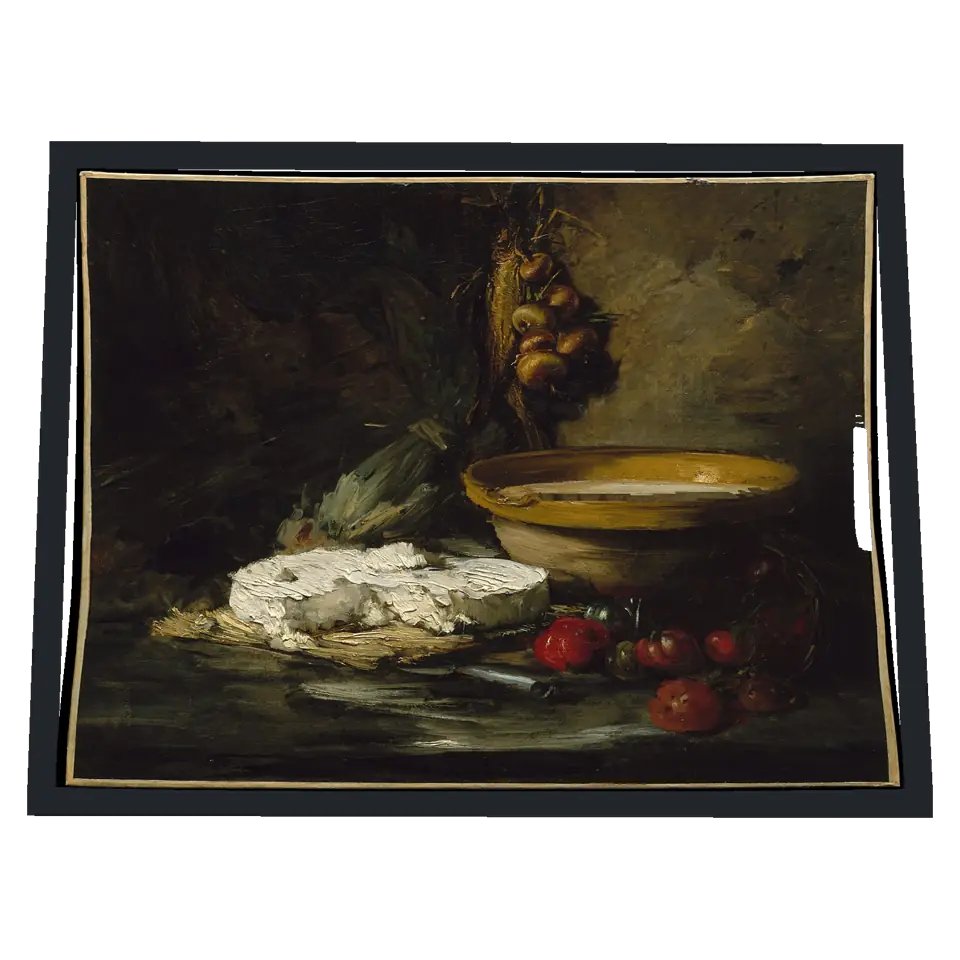
| Still Life with Cheese (the picture before the camera is on) | Antoine Vollon (Metropolitan Museum of Art Open Access) | CC0 1.0 |
Libraries
- Apache-2.0
- Depth Anything V2 Small, quantized ONNX (lane LSTUDIO, copied from Splashery)
- MIT
- omggif 1.0.10
- MIT
- ONNX Runtime Web 1.30.0 (its modules)